
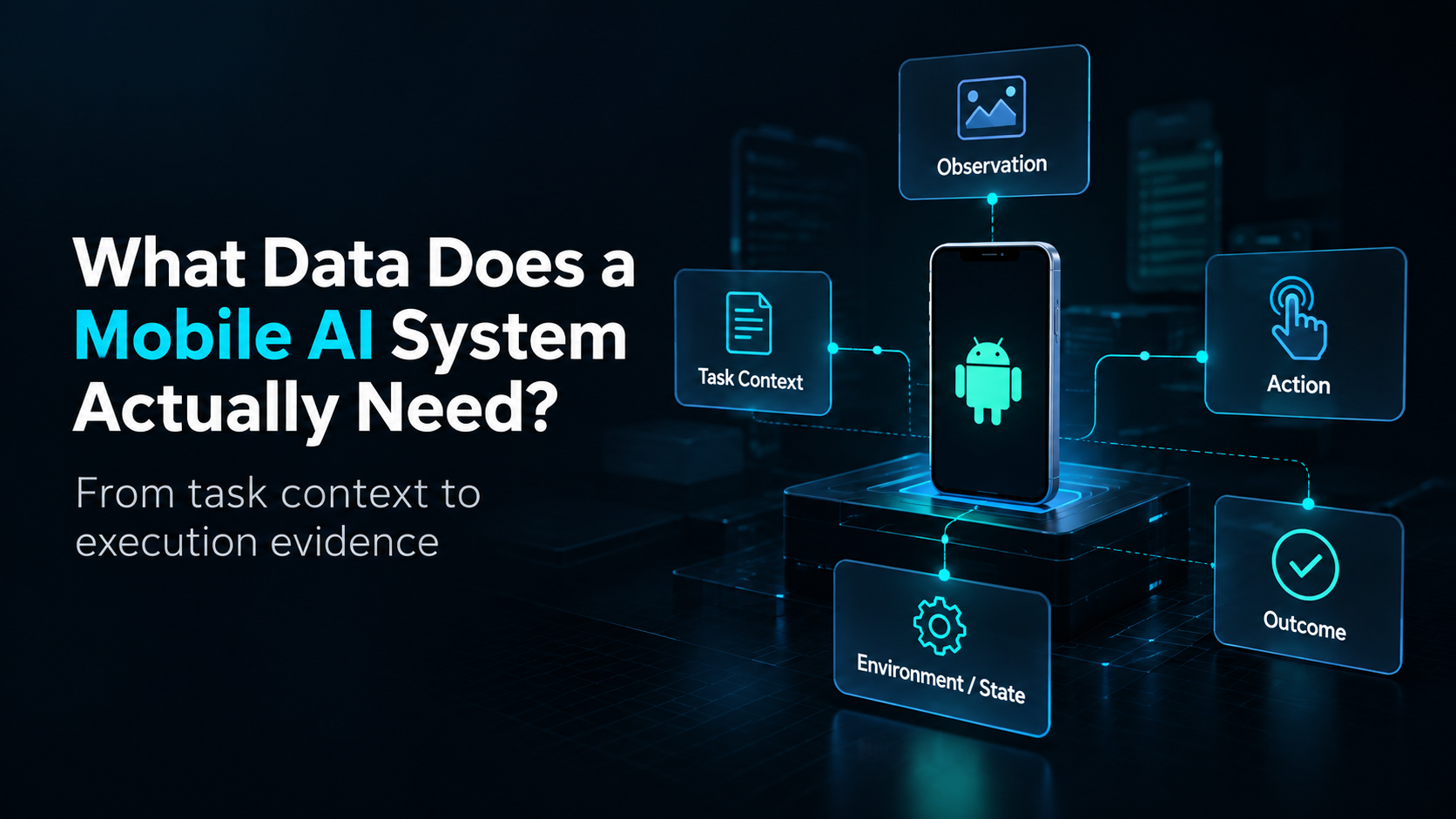
A Mobile AI system does not interact with an app in a single step.
It receives a task, observes the current interface, decides what to do, performs an action, encounters a new state, and continues until the task reaches an outcome.
Each part of that process can produce useful data.
That means Mobile AI data collection is not simply about capturing screenshots or recording whether a task eventually succeeded. A useful record needs enough context to explain what the agent was trying to do, what it observed, what it did, where the interaction happened, and what happened next.
This leads to a practical question:
What data should we actually capture during a Mobile AI task?
A Mobile AI Task Produces More Than One Kind of Data
Consider a simple task:
Find a product and add it to the cart.
The final result might be easy to describe: the product was added successfully—or it was not.
But that result tells us very little about the interaction itself.
What screen did the agent start from?
What did it observe before choosing an action?
Which element did it tap?
Did the interface change as expected?
Was the app loading, waiting for a network response, or showing an unexpected state?
A useful Mobile AI record therefore needs more than a final label.
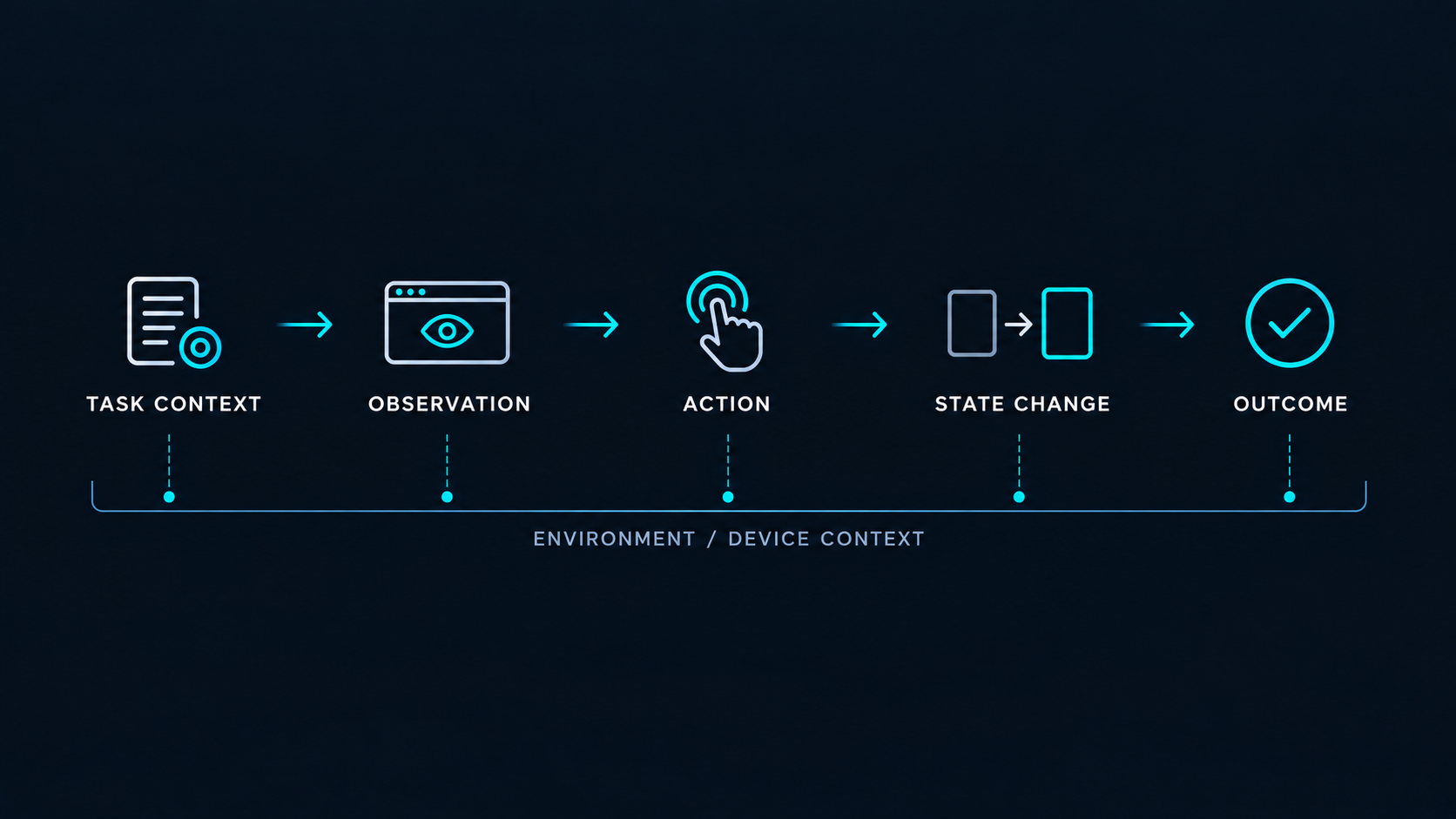
At a conceptual level, we can think about five important categories:
Task Context → Observation → Action → State Change → Outcome
And throughout that process, there is another layer surrounding the interaction:
Environment / Device Context.
Together, these provide a much more useful description of what actually happened during execution.
Start With the Task, Not the Device
Before deciding what a device, automation framework, or API can capture, it helps to begin with the task itself.
What is the agent expected to accomplish?
A task may include a goal, starting condition, constraints, or other information needed to understand the intended workflow.
For example:
Search for a specific item and add it to the cart.
That task context gives meaning to everything that follows.
A screenshot without a task tells us what a screen looked like.
A tap without a task tells us where an interaction occurred.
But neither necessarily tells us why that observation or action mattered.
This is why the task should be treated as part of the data record rather than merely as an instruction that disappears once execution begins.
Observation: What Did the Agent See?
Before an agent can act, it needs some representation of the current mobile environment.
At the simplest level, that might be a screenshot.
Depending on the system, an observation may also include visible UI information or other relevant screen context.
The important point is not which representation is always best.
It is that the observation describes the state of the environment from which the agent made its next decision.
If an agent taps the wrong button, for example, the action alone does not explain the mistake. We may also need to know what was visible immediately before that action.
Observation data therefore connects the agent's decision-making process with the environment in which the decision occurred.
Action: What Did the Agent Do?
Actions describe how the agent interacted with the mobile environment.
They may include operations such as tapping, swiping, typing, navigating back, or launching an app.
From an execution perspective, these are commands.
From a data perspective, however, they are also records of behavior.
That distinction matters.
If an agent observes a screen and then taps a particular location, recording the action allows us to connect:
what the agent observed → what the agent decided to do.
Over a longer task, these actions become part of the evidence needed to understand how the interaction unfolded.
But recording an action still does not tell us whether that action produced the intended result.
State and Environment: Where Did the Interaction Happen?
Mobile interactions do not happen in an abstract interface.
They happen inside an execution environment.
The app has a state. The operating system has a state. The device has a state. Network conditions and timing can also influence what happens after an action.
For many development workflows, some of this context can be controlled or abstracted away. Synthetic environments and emulators are valuable precisely because they can provide reproducible conditions.
Physical Android devices add another kind of context: execution inside a real device environment.
That does not automatically make real-device data better.
It means that when physical execution conditions matter to the question being investigated, device and environment context become additional dimensions of the data being collected.
The right level of context depends on what the system is trying to observe, reproduce, or evaluate.
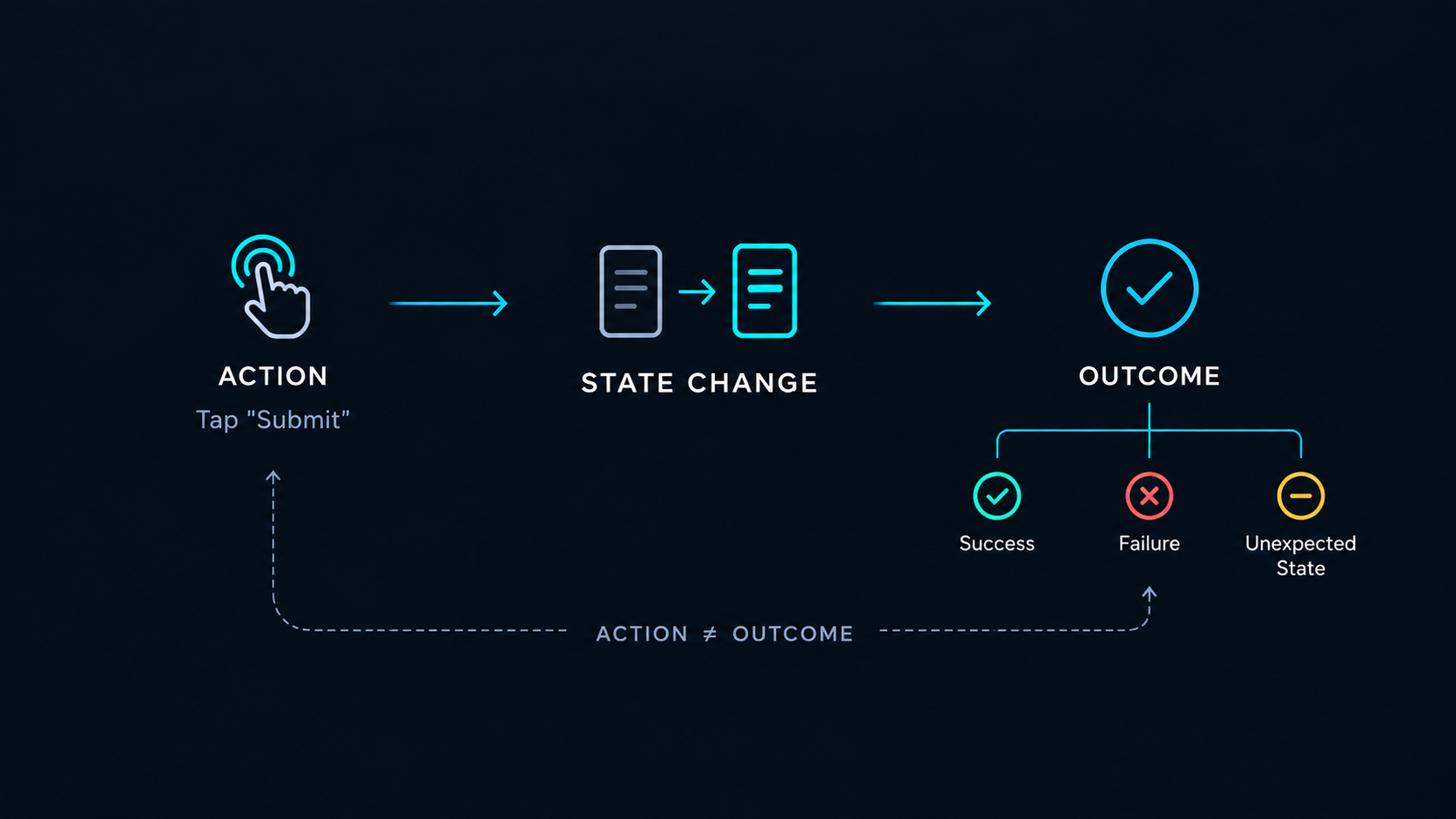
Action Is Not the Same as Outcome
Suppose an agent performs:
Tap “Submit”
The tap itself may execute exactly as instructed.
But what happened afterward?
The form may have been submitted successfully.
The app may have returned an error.
Nothing may have changed.
A loading state may have appeared and never completed.
Or the interface may have transitioned into an unexpected state.
This is why an action and its outcome should not be treated as the same piece of information.
For Mobile AI data collection, the distinction is important:
An action tells us what the agent attempted.
An outcome tells us what happened afterward.
Without both, it becomes much harder to reconstruct or understand the interaction.
Outcome: What Happened in the End?
At some point, the task reaches a result.
That result might be success, failure, partial completion, or an unexpected state.
Outcome data provides task-level meaning to the interaction that came before it.
But the outcome should not replace the interaction record.
Knowing that a task failed does not tell us where it failed.
Knowing that a task succeeded does not tell us how it succeeded.
Two executions can reach the same outcome through very different observations, actions, and intermediate states.
For that reason, the final result is best understood as one part of the execution record, not the entire record.
From Raw Interaction to Structured Evidence
We can now return to the original question:
What data does a Mobile AI system actually need?
There is no universal schema that fits every Mobile AI workflow.
But a useful execution record should usually be able to answer several basic questions:
What was the task? What did the agent observe? What did it do? What changed? In what environment did the interaction occur? And what was the resulting outcome?
This changes how we think about Mobile AI data collection.
The challenge is no longer simply capturing screens or sending commands to a device.
As workflows grow, the challenge becomes connecting task context, observations, actions, state changes, environment context, and outcomes into structured execution evidence.
Synthetic environments can produce some of that evidence.
Emulators can produce some of that evidence.
Physical devices can produce some of that evidence while adding real execution context.
The appropriate source depends on what needs to be observed and why.
For real-device workflows, this is also where infrastructure begins to matter. Running one task on one Android device is relatively straightforward. Repeating that process across many physical devices while consistently capturing useful execution evidence is a different systems problem.
ARMARRAY is building Real Android infrastructure for Mobile AI Data Collection & Evaluation, with physical Android environments designed to become part of programmable data and evaluation workflows.
But before discussing infrastructure at scale, there is another concept we need to understand.
Next: From Screenshots to Trajectories
So far, we have treated task context, observations, actions, state changes, and outcomes as different categories of data.
In a real Mobile AI task, however, these events do not occur independently.
They form a sequence over time.
That sequence is where individual screenshots and actions begin to become something more useful:
a mobile interaction trajectory.
In the next article, we’ll look at how individual observations and actions become structured interaction trajectories.